As an avid hiker and trail runner I am always on the lookout for interesting places to explore and there are a couple of ways I routinely seek out my next adventure. When seeking to explore a new area getting a trusted opinion of someone who has hiked the area before is usually the best bet but not always feasible. When there is no one to ask, however, I have become a fan of using some apps/online research tools to identify trails that would interest me. The approach that I tend to use is as follows:
- AllTrails – This app has been around for a relatively long time and was one of the first hiking apps I can remember using, but it is an app that I find myself using less often as time goes on. I think it is still a great resource to identify interesting areas to hike and run as you can view pictures of a trail and frequently read reviews of a given trail. The downside to me is that you are only readily presented with a pre-canned list of routes with no easy way to create a custom route from point A to point B if it does not already exist. It’s great for ideas of where to go, but necessarily the best for planning how to see everything you want when you get there.
- Hiking Project – Hiking Project is an app that I find myself using more and more often for the role that AllTrails used to fill – finding an interesting area to explore. I really like how they overlay pictures of different scenic views onto the map so you can figure out that you want to see these 3 sites off the blue trail and these 2 off of the red trail along with an idea of where they are on each trail. It gives you a bit more granular insight into how you can make the most of your adventure.
- Komoot – this has become my go to app for route planning. Once I identify an exciting area to explore using AllTrails or Hiking Project I will turn to Komoot to plan a route through the area. This way I can easily see that in order to hit every site I want to see on my journey I need to start on the red trail and then switch to the blue and then finally take the yellow trail back to the start. I can layout a route that works for me and not just follow a pre-canned route created by someone else. I also really like the elevation profiles that they provide as part of the route planning. If I am training for a particular event I can try to find routes that will have similar elevation profiles to race day.
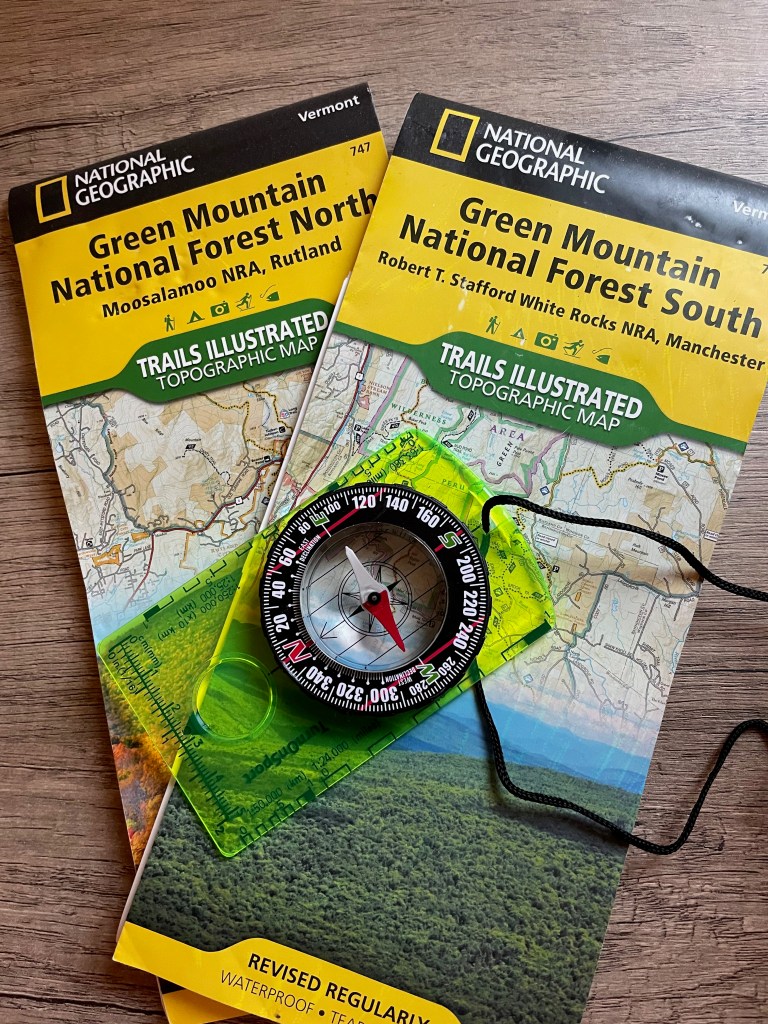
- Paper maps and compass – Not an app by any means but something I always like to keep handy. GPS navigation is great and highly convenient, but things can occasionally go wrong – batteries die, signals can be poor, devices break, etc. When this happens, you need to ensure that you have a way to navigate out if needed. While plasticized or laminated maps are best for the waterproofing, even without having the ability to purchase those it’s trivial to print off a map from one of the above apps to have a hard copy that you can store in some place where it will stay dry. It adds negligible weight to your pack but is invaluable when the need arises.
 Surviving Ultra